
Over the summer, Microsoft transitioned into its new Microsoft Learn platform. They’ve updated large sections of their educational classes and certificates with a focus on 21st-century design and post covid protocols for classrooms that are in-person, hybrid, or a complete online design. This past week, I started the focused Learning Path ( a collection of learning modules that share an overarching purpose) known as the 21st Century Learning Design platform. It is 8 hours of classroom trainings were walks-throughs of different elements in Microsoft Edu platforms: Windows, Office365, Edge, and Teams. The trainings focus on how to use those different programs to leverage connectivity with students, faculty, family members, and community stakeholders.

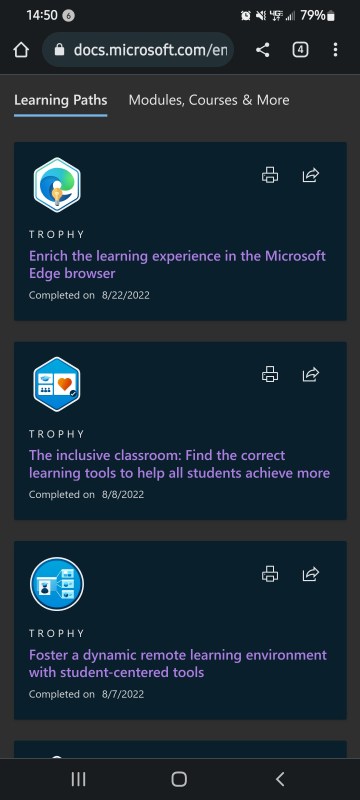
If you’re looking for something to start off your school year or you have PD hour requirements, talk to your in building PD director and make sure that they will accept the Microsoft certificates. Then using your district Microsoft login or maybe a personal one if you have a Hotmail account or Microsoft office account and begin the trainings yourself. They’re portable from one email to another so if you move districts or if you live in a community with pocket districts. It generates a transcript that you can print out at the end of the year or at any time that you want. There is a point system to track your progress and move you up as you complete each section. There is no leaderboard to show how others compare but it does reward interaction on the discussion boards. Each module is anywhere from 200 to 500 points depending on how much time is outlined for the module.


The lessons themselves are dynamic layouts. Some sections are nice one page reads; while, others give examples of clickable products that you can put into your OneNote or OneDrive. The embedded videos are on YouTube and are easily shareable to faculty members or if you just want to show them one section of it during a PLC or school PD time.

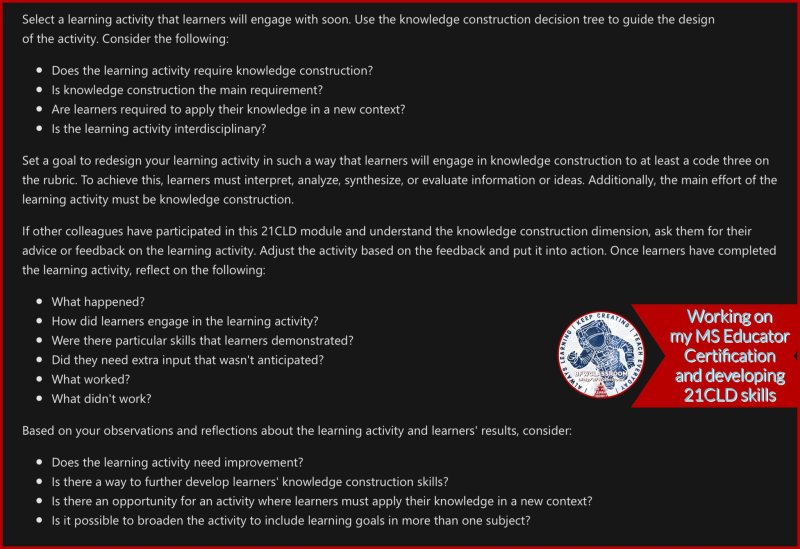


I work in a school district where we’re Chromebook and and Google Chrome heavy for usage but we use Azure and Microsoft Teams for certain elements. This has been a nice second set of tools for myself to keep sharp on MS changes and 21CLD. Anyone looking to expand their MS knowledge base or prep for a usage shift this is a great place to start. It also lets you create collections of Modules and Learning Paths that will autoplay as you complete a module. I have a collection that I’m currently sharing with staff in my building since it covers the apps and extensions several of us use. (Flipgrid, Wakelet, Nearpod, Pear Deck, Buncee)


 BFWClassroom
You must be logged in to post a comment.