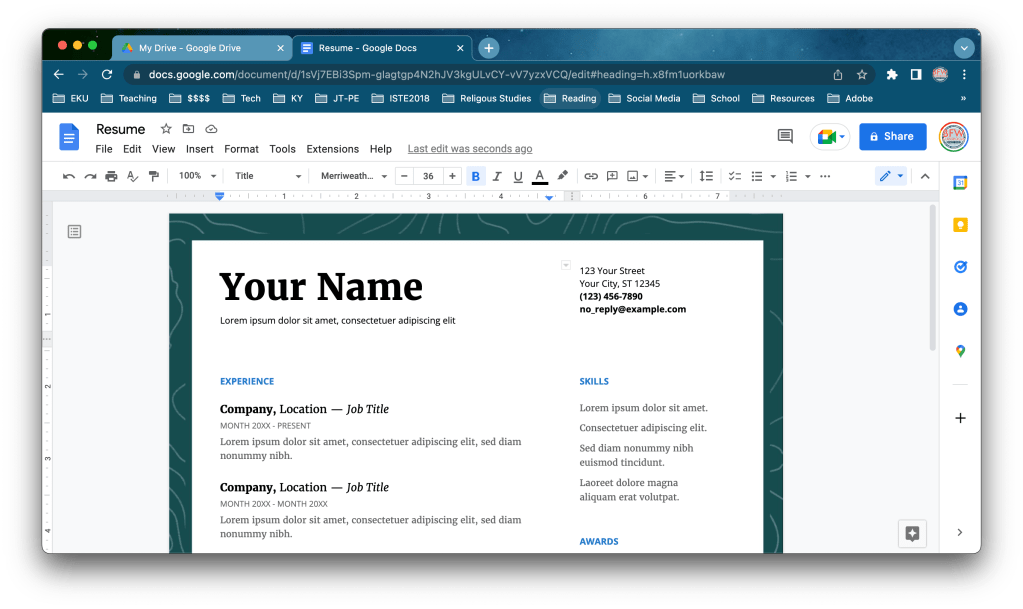
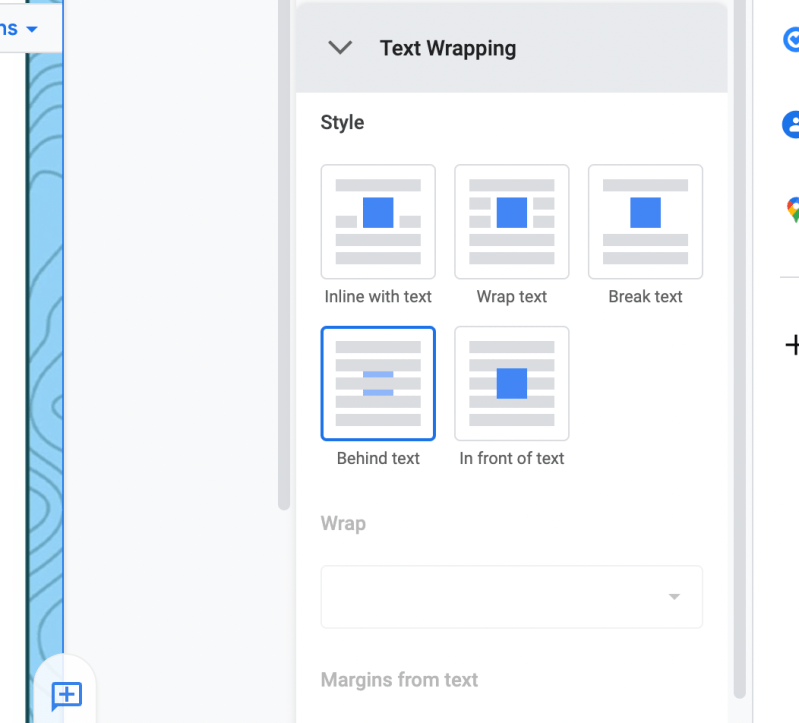
After nearly 3 months and a lot of recordings, I finally posted the video showing exactly how to add the Adobe Express project to a Google Doc. I kept the screenshots from the original June/July post to help you out (See Below).
Transforming a letterhead into a whole document page border design is easy and requires just a few additions to ay layout. After you make a basic background design, (I build my graphics in Adobe Express) add it to a Google document that you’ve already completed by inserting the image into the header of the Google Doc. That way it’ll be repeated on all continuous pages in that s section. I found it is easier to do this after you’ve written on the Google Doc because the program will sometimes want to try and change the header as you continue to type. This should be the last step you take before you would print/download the Google doc as a PDF file.



 BFWClassroom
You must be logged in to post a comment.