
For the past month, I have been working on changes to my workflow assets for video creation. I concentrated on watching video tutorials from creators I enjoy and seeing what common elements they use to make their videos more professional and consistent. (Check Part 2)
Who I Watch
I watch a lot of different creators and info channels on YouTube but these are the ones I watch consistently and share with students:
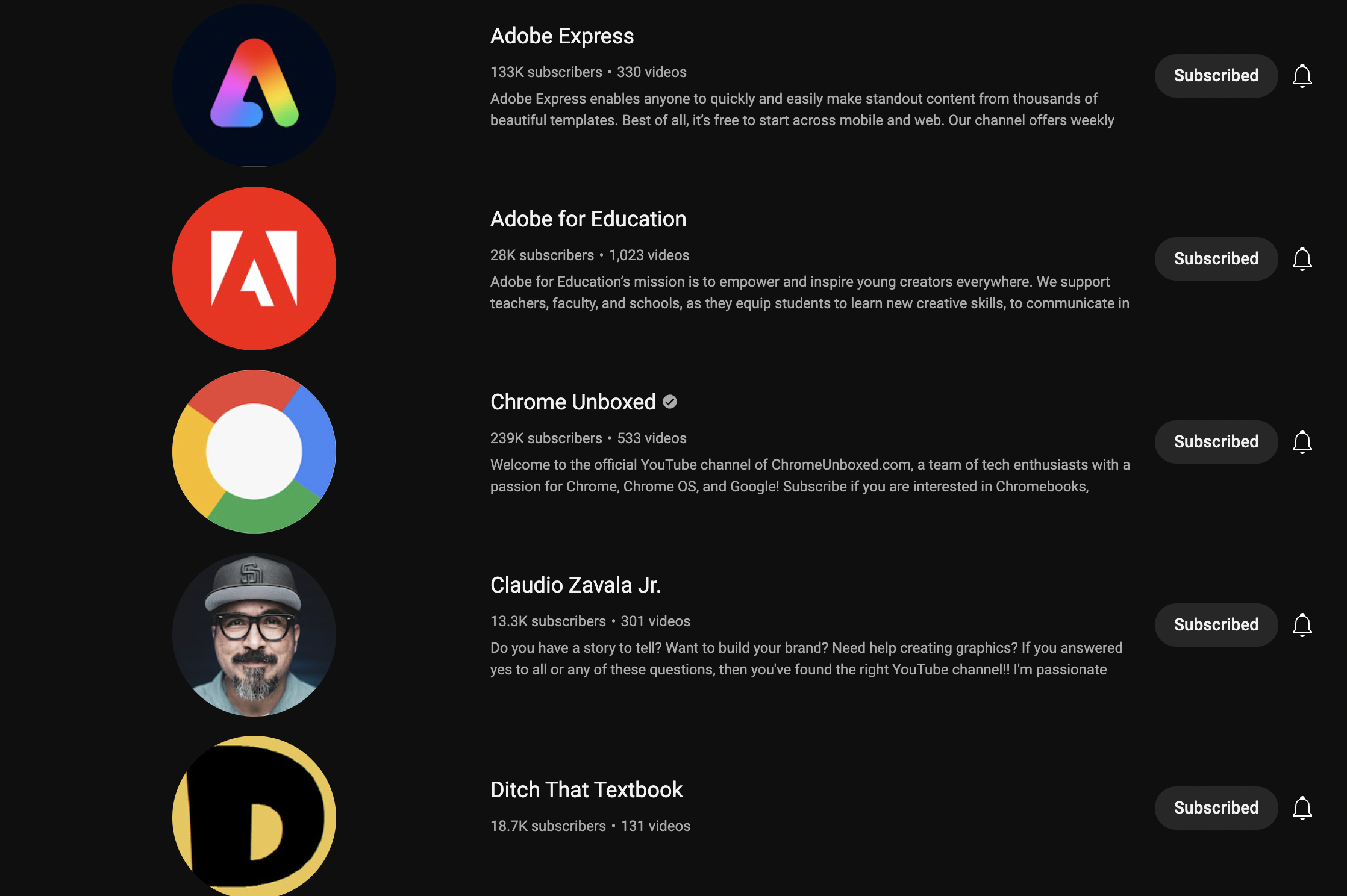
- Adobe Express focuses on how Adobe Express can be used by small business owners and influencers to create content in different ways.
- Adobe For Education: a channel focused on elements of Adobe in a classroom and different ways to apply the Creative Cloud to student/teacher workflows.
- I Am Claudius: a channel that focuses and creativity and education especially focusing on Adobe CC and photography.
- KyGoDigital: this is a collection of videos from the annual virtual conference sponsored by District Learning Coaches across KY.
- New EdTech Classroom: a collection of interviews, teaching strategies, and great tutorials.
- Ditch That Textbook: Matt has put together a great collection of current videos using resources from his book and time working the conference circuit.
- Chrome Unboxed: a group of Louisville tech-minded creators that create walkthroughs and reviews of Chrome OS and Android-based gear.
- The B1M: creators focusing on the development of new buildings and architecture worldwide. Great for a 10min brain break in any class.
- Fix This Build That a DIY and woodworking channel based in Nashville. A lot of repurposing build ideas for my tech class come from his channel.
- Stud Pack: a father and son construction team that creates how-to and build-tip tutorials during their projects in Louisiana.
How I Use Them In My Classroom
What I use most of these channels for is either inspiration to develop my own videos (see what works for other creators) or for school Tech Team inspiration and creative lesson plans. Most of the building content, I watch with students because it gives a nice viewpoint into the creativity of building, especially when they have to problem-solve different issues. FTBT and StudPack show how they problem-solve different issues on the worksite and it’s a nice way to share with students ways to real-world problems solve not just answer questions. Creative thinking and figuring out an issue that presents itself during a build is a huge 21C Skill that students need to develop and create evidence of for job interviews and career building.

 BFWClassroom
You must be logged in to post a comment.