I have been working on changes to my workflow assets for video creation for the past month. I concentrated on watching video tutorials from creators I enjoy and seeing what common elements they use to make their videos more professional and consistent. For a list of who I watch check out my other post. (Post 2 of 2)
Branding
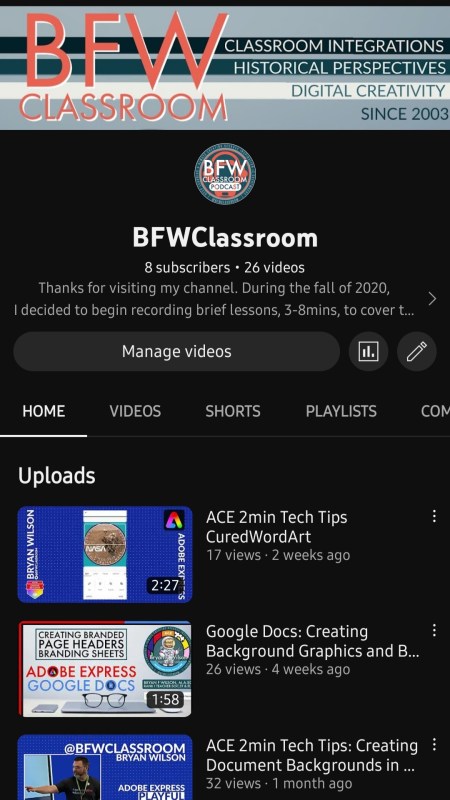
I can not express this enough. If you are thinking about developing or launching a YouTube account make sure to create your branding and put all of those elements live in the account before the first video is posted. Once you post that first video, it’s very difficult to go back and start rebranding anything worth having to completely post it. This is also were you need to use the YT branding option. That way, if you are making material for a school or groups you can handoff ownership when you’re job changes or you leave the organization.
Bumpers
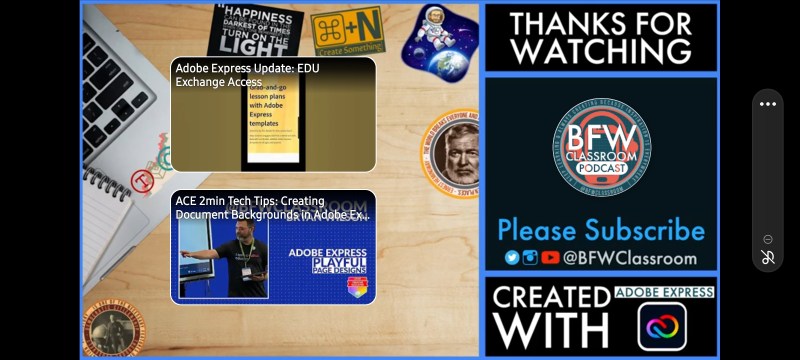
Many videos have bumpers but a key part to having a brand and knowing what you are watching is the pre-intro montage description by the creator. You should always display your brand, say your name and plug your website. Following your intro bumper plug your sponsor. Your outro bumper should be formatted to use the subscribe and watch this elements that are a part of YouTube Studio. You should be able to record your outro only once and reuse it with every video. This way your outro embedded features are easily refused in YT.
Playlists and Themes
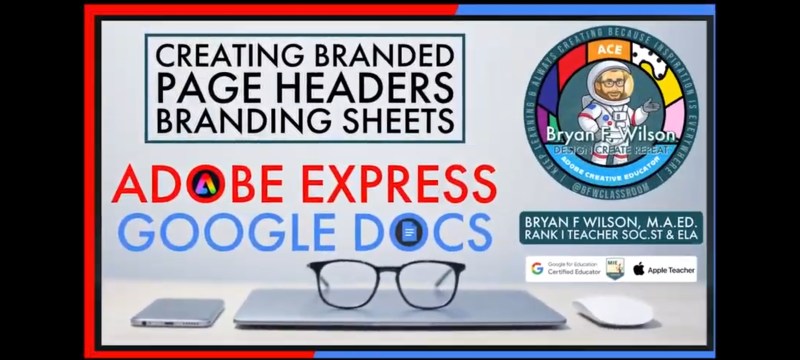
Make playlists of your favorite videos and the videos you commonly share in your classroom. I’ve had a screenwriters playlist that I made over a decade ago and I still use when I am teaching students the difference between writing and videography. Also sorry you’re videos into playlist and start sharing them in your social media feed. This is an amazing way to get what you have learned out in front of others to get their ideas and build your own for future projects.

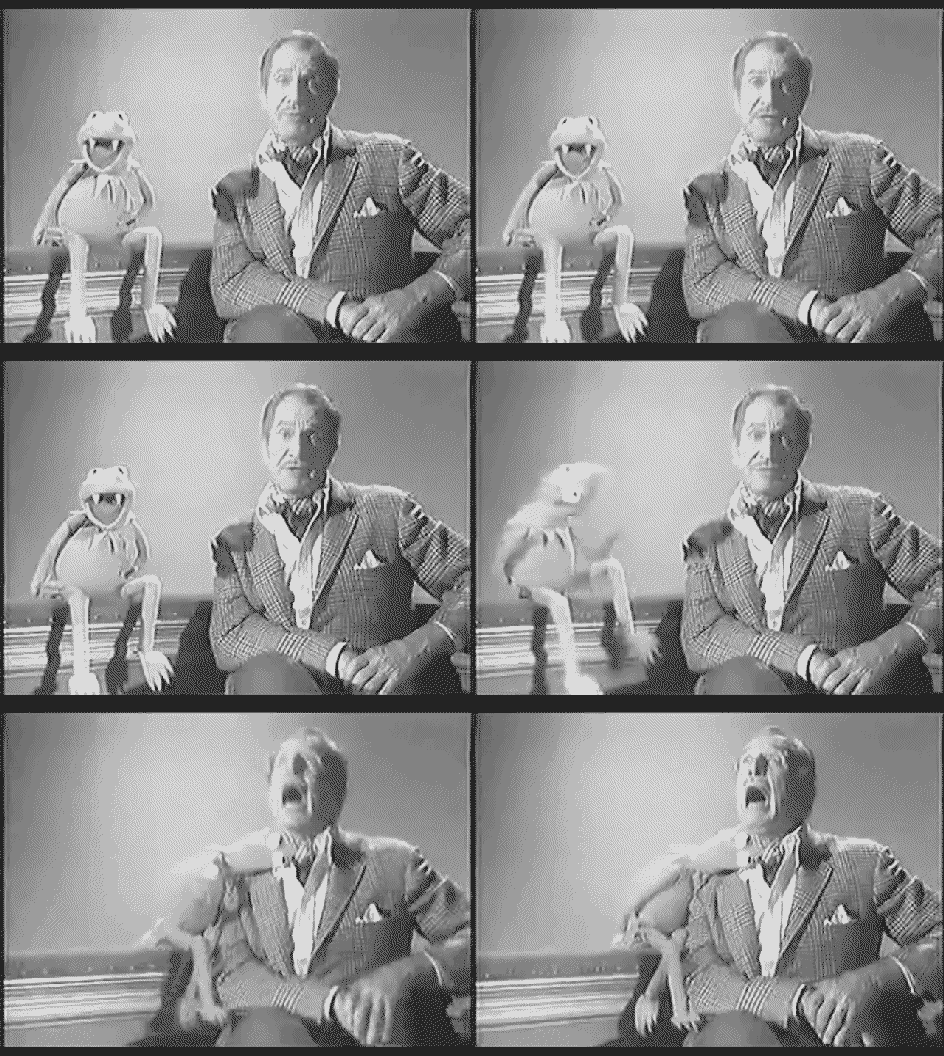
Viewers, Visitors, and Vampires
One thing you need to remember is why you are creating your content. I started making videos to help students learn asynchronously during the days of digital teaching. It was especially helpful to make tutorials for students who had slow connections and needed to watch the videos on a phone and then create on a Chromebook. Now, I create because I want to share what I have learned. It’s to help rducators and creators looking to create using the same tools I have learned. So, I don’t get caught up in the stats of my page because I know some times a video might not get seen or just suck. But I’m still going to make them.

 BFWClassroom
You must be logged in to post a comment.