The main focus of this video is to show how to create a two layer text image that has a recolored lower layer using the image masking tool.
This process is simple but does require you to have some experience understanding the image blending tool and knowing what you would like the word list to look like afterwards. It took me a couple of downloads to see a finished version that I liked.


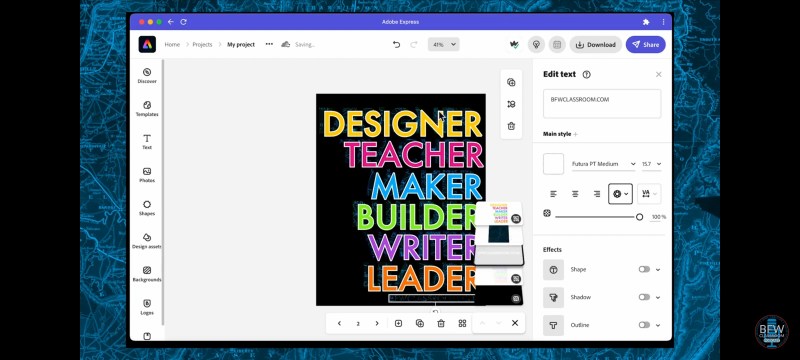
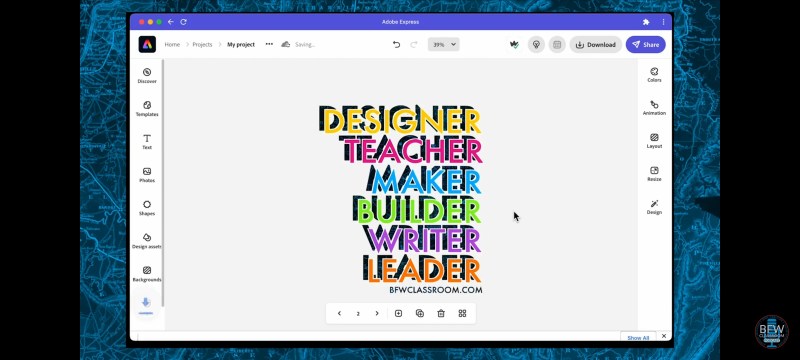

Some key things to remember when buildings a shadowed blended image.
- First make sure your background is black, a single layout, and no border is present.
- Second, make two layers of the same list/object.
- Third, make sure you know what image and color tone you like beige your render the image. This will cut down on unnecessary downloading.
- Fourth, make sure the top layer and the image are good opposite colors to compliment each other.
- Finally, if you are using a list of words, align left or right. Making it centered will cover the second layer and lose the effect.

 BFWClassroom
You must be logged in to post a comment.