In less than 5 minutes, learn how to use the new video editing tools in Adobe Express. The video covers how to:
- create a video from record footage
- record audio
- select and embed audio files
- generate for a video using Generative AI
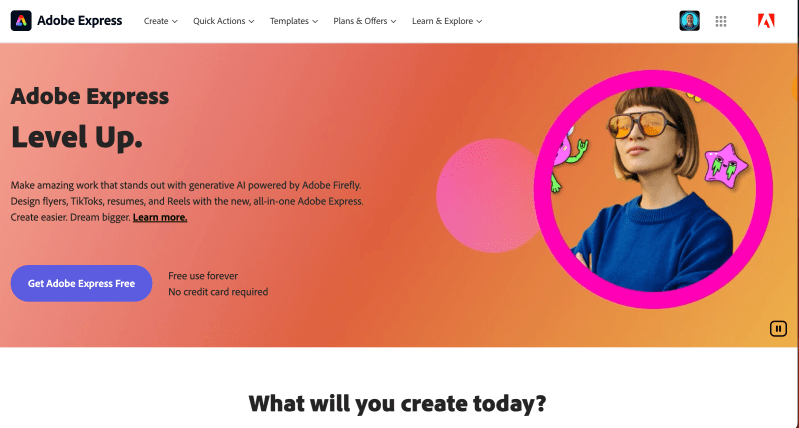
This new software tool is still cloud based like previous versions. To test the video and show its true abilities, I created the entire how-to video using a school issued HP Chromebook and made it entirely in Adobe Express. The screen recording was made via Screencast and imported directly from my Google Drive into Adobe Express.
If you have a Google for Education accounts at your school, (in the US) you get access to many of the Premium tools in Express. At the beginning of the video, I do show how easy it is to use Adobe Express in Chrome if your district embeds it in the user waffle. I highly recommend sharing this with your district as part of the Google SSO packet during your next update.

 BFWClassroom
You must be logged in to post a comment.