Tag: design create repeat
-

12 Days of Creativity From Adobe Express
Remember that time you went to AdobeForEdu on Instagram to check out the new posts for the 12 Days of Creativity. If not, you should do that today to check out the ideas and what Day 4 is all about.
-
Adobe Express: Creating Dual Layered Word List
The main focus of this video is to show how to create a two layer text image that has a recolored lower layer using the image masking tool. This process is simple but does require you to have some experience understanding the image blending tool and knowing what you would like the word list to…
-

2022 NPS Gift
This is my annual transparency report on how I was able to use profits from my Redbubble store to donate funds to National Park Foundation. I donate based on a matching model. For every $ of profit on my National Park inspired designs, I match and give back at the end of the year.
-

YouTube In The Classroom: Adobe Premier Rush
How It All Started Since the fall of 2020 I have been trying to create a consistent vlog and blog creation and post content cycle. When we first went into lockdown, I was using a HP Chromebook 11 C5. It was usable and frustrating to say the least. Most of videos were made using a…
-
Last Mindfulness Monday of 2022
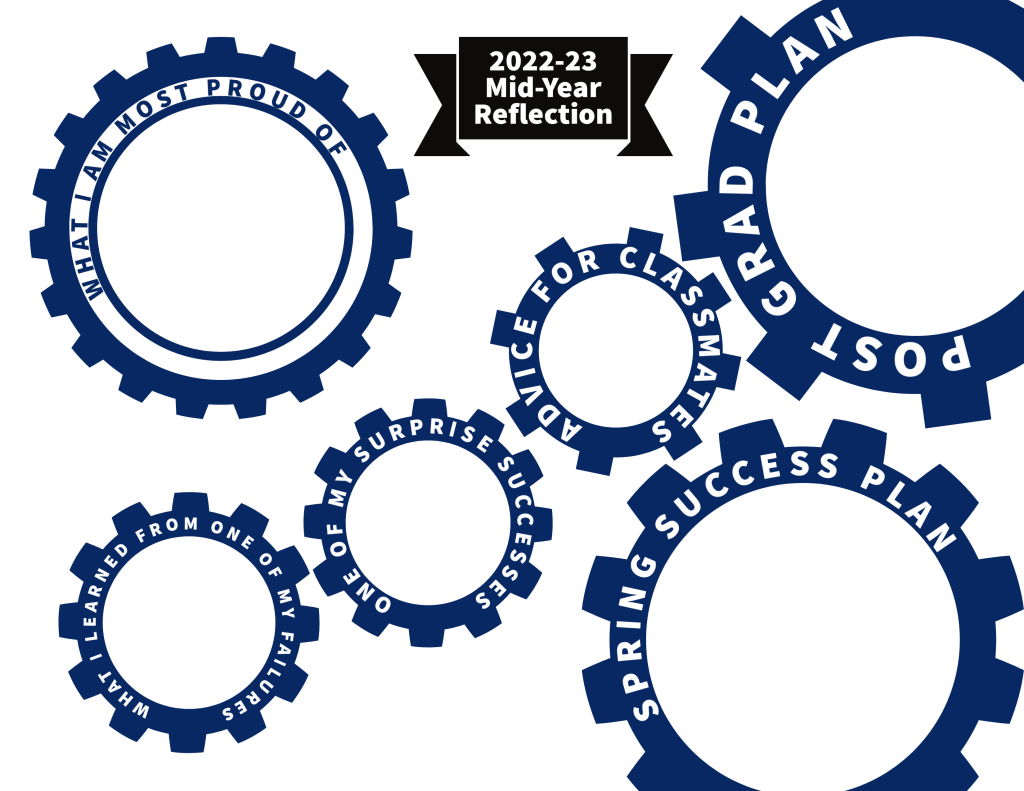
Reflect and pause are part of great leadership and growth cycles. Make aure to pour aome positivity into your and others during the last days of the semester.
-
ACE Recoloring Text With The Image Blending Tool” on YouTube
In this tutorial I show how to use the image blending tool in Adobe Express to recolor text. This trick can be used to add personality to any title or text design in a project. Additionally, it can be used to create a 3D raised text effect on any image.
 BFWClassroom
You must be logged in to post a comment.