
To celebrate the Kennedy Space Center 60th Anniversary, I decided to make a collection of designs highlighting events from KSC history. I’ll be posting new designs throughout July on my Instagram and Twitter. I developed all of these using Adobe Express both on my phone and my Macbook.
YouTube How-To Make a 3 Layered Template
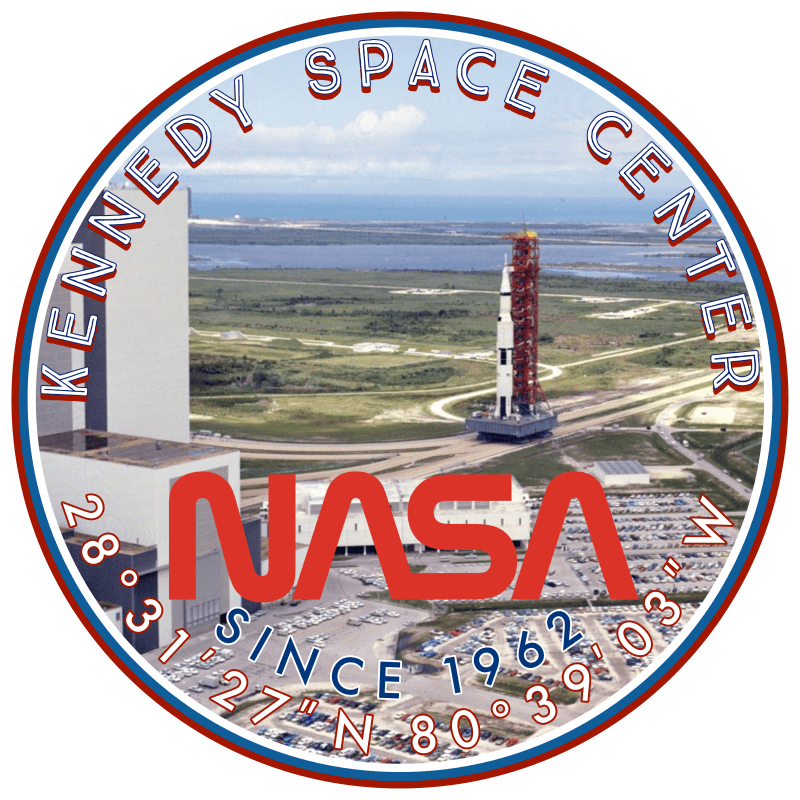
The NASA photo archive has a vast amount of pictures to use and develop into projects for students to work on their design and digital image skills. To develop the series I simplly found NASA stock photos that either fit the history of KSC or were some of the iconic pictures. I then made the 3 layer template and began building a catalogue of badges for the KSC but then I also looked at other photos available and modified the design to highlight their layout.
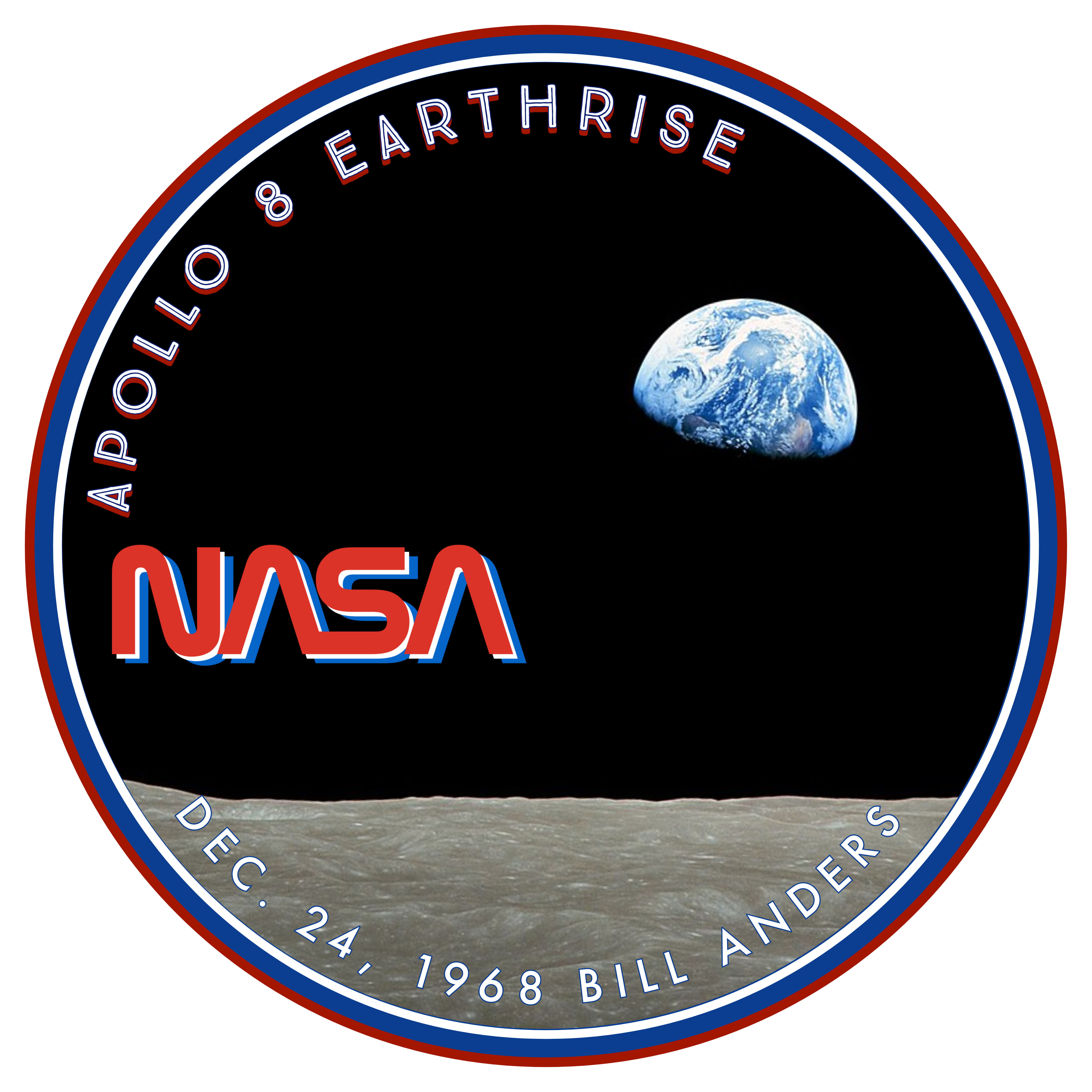


This whole collection was inspired by the Artemis designs and the cyan/light blue color schemes. Plus the amazing photos within the Curiousity and Perseverance catalogue make for a great choice to make somethign different. In all, I have generated about 20 different designs from three basic templates.
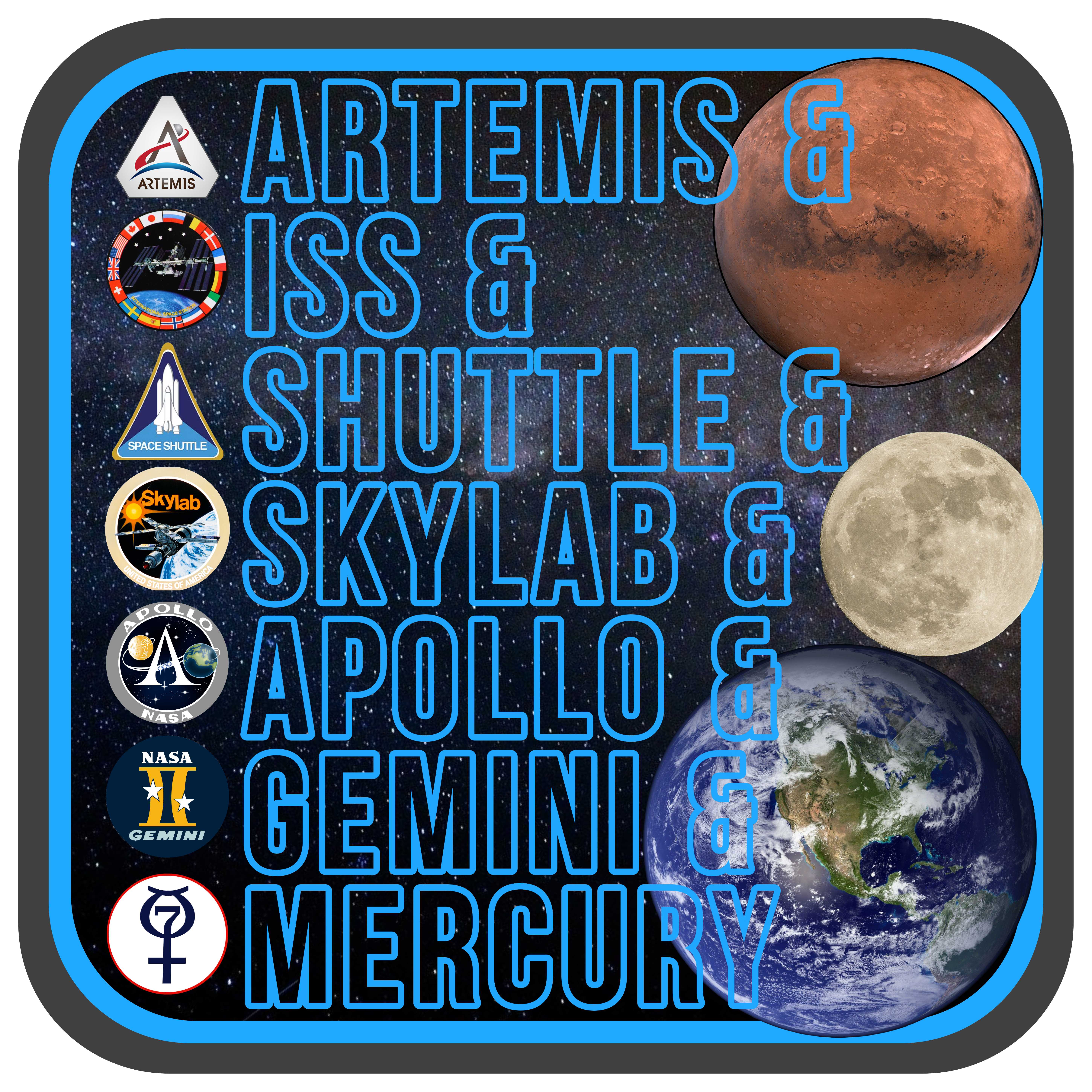


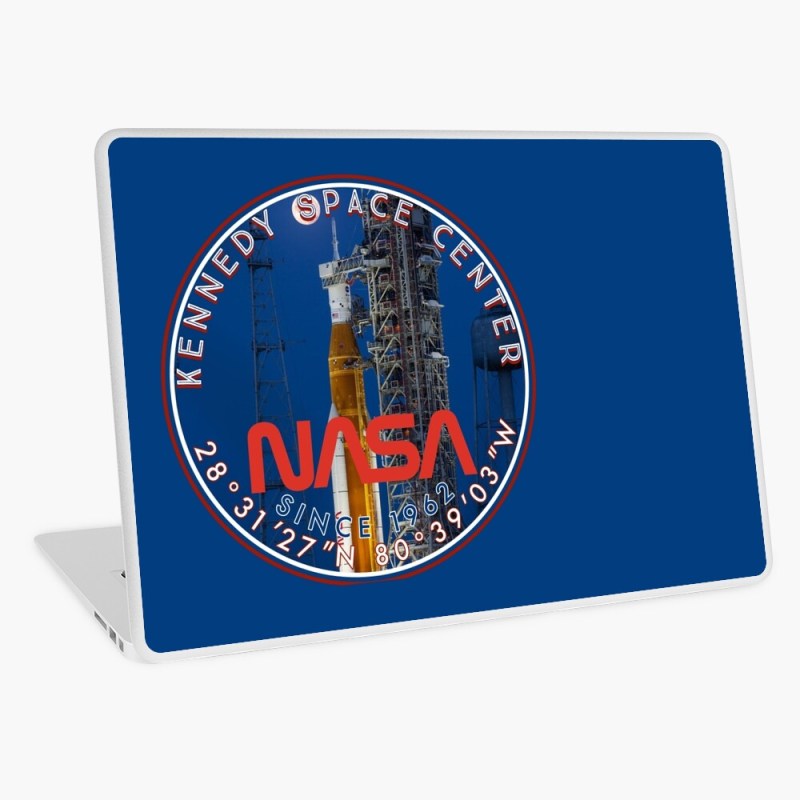
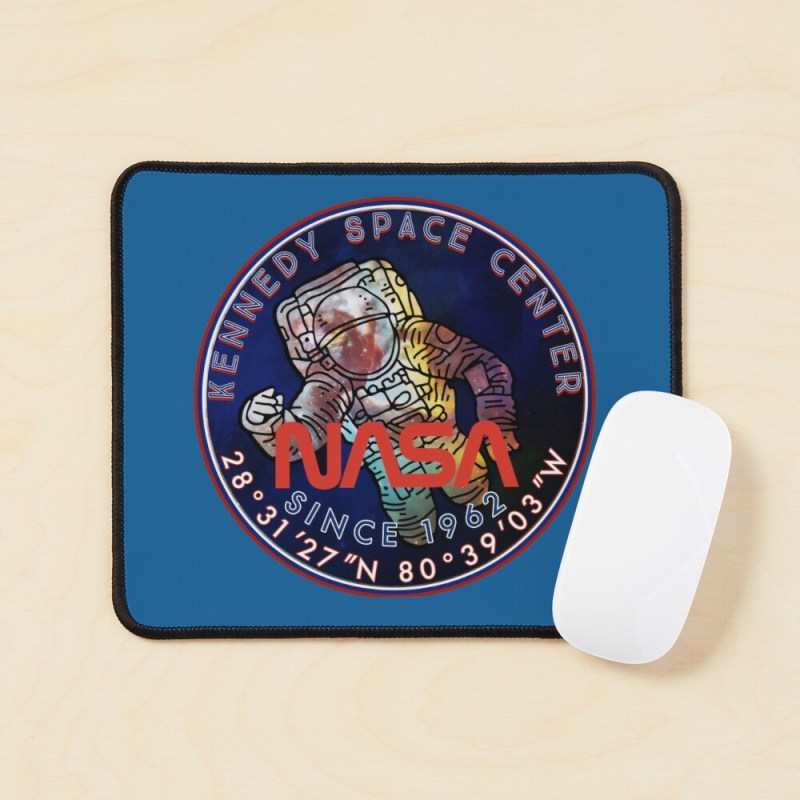
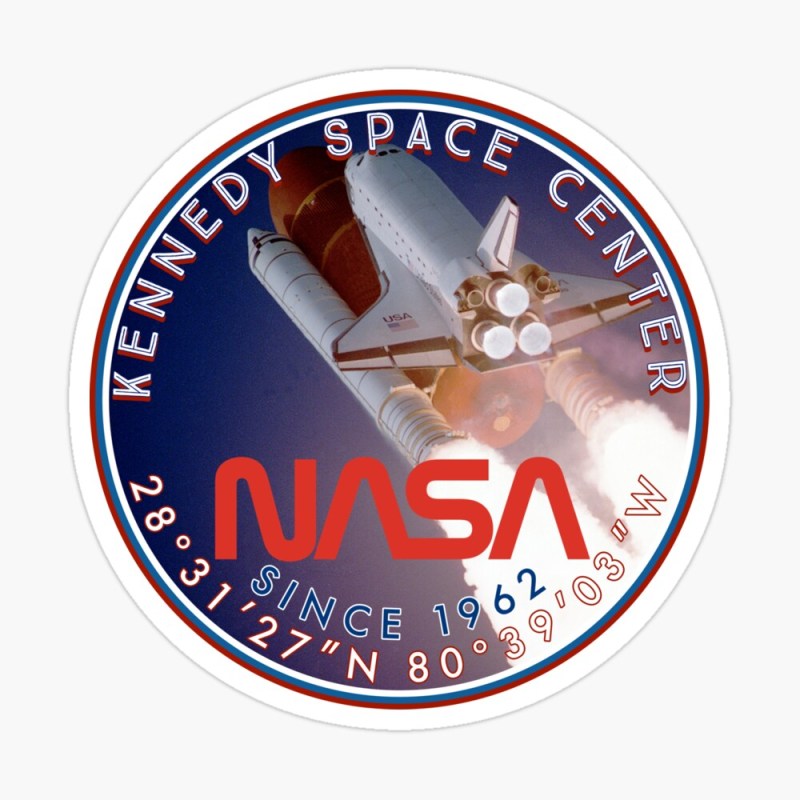
A word of caution when using the online art publishing websites. When you do use them, be sure to check and see how the different designs look becasue the form sizes are different from each piece. Then be sure to share the links in your social media feeds to promote traffic to your store. I prefer Redbubble because I can use the template designs in express and continue to make variations. Plus, coloring schemes and trends are easier to keep up with. In the pictures below, you can see the same design template was used and I simply changed the description and graphic for them to be loaded into the their creation software.


 BFWClassroom
You must be logged in to post a comment.