
One of the great things about Adobe Express is the ability to create a series of common graphics from templates. Using templates can be amazing but come with some problems including spacing and layout. Learn how to use these tools to make better graphics as you change the words in the graphic template.


The curved word format can give you lots of choices to create a circular band or branding ring around your graphic or image. What I have found is that adding spaces in front of and at the end of a text allows you to manipulate the arclength of a circular text box.
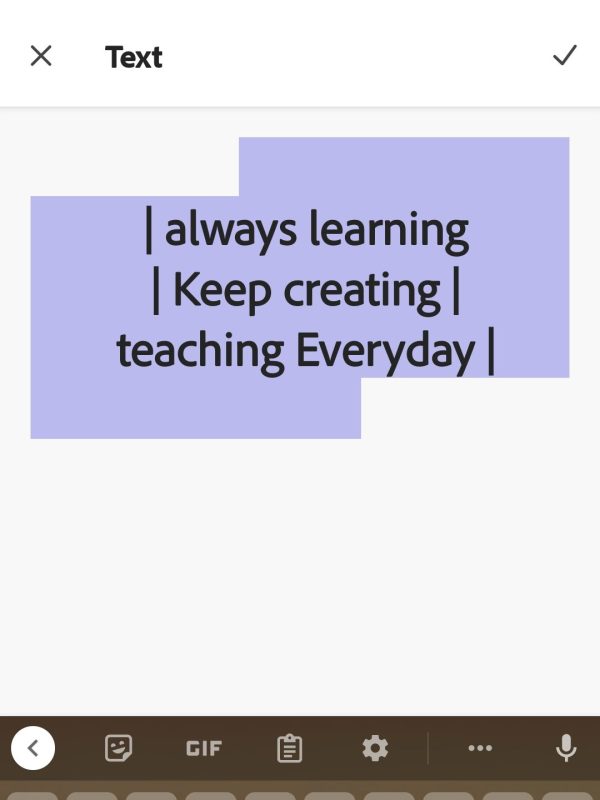
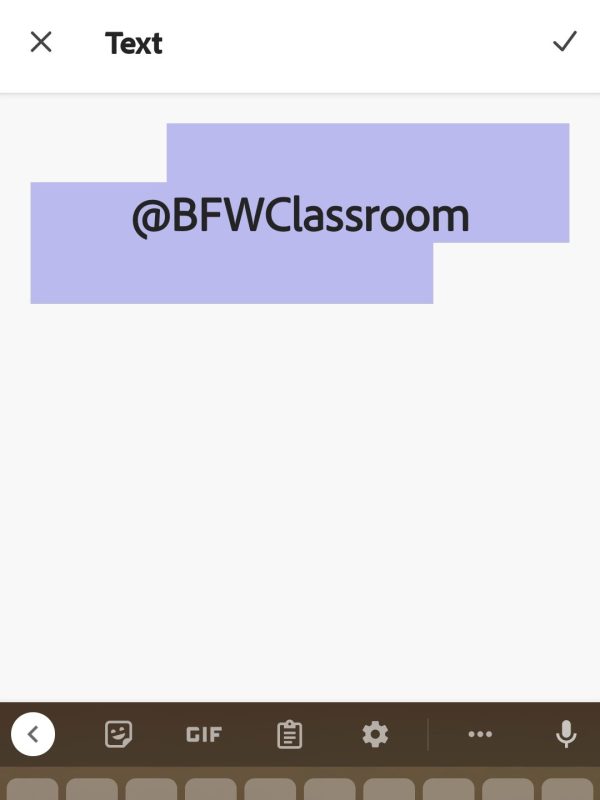


If you are creating social media promo badges for your staff curved word art can come in handy. You can use it to promote your school accounts or highlight students and staff for their success. In this template, I have two half-circle text boxes and a logo medallion to the right. You use the following link to see my shared Adobe Express library for this template. (Link)

 BFWClassroom
You must be logged in to post a comment.